JobPricer's CRM keeps every customer's history in one place — their quotes, jobs, invoices, and notes.
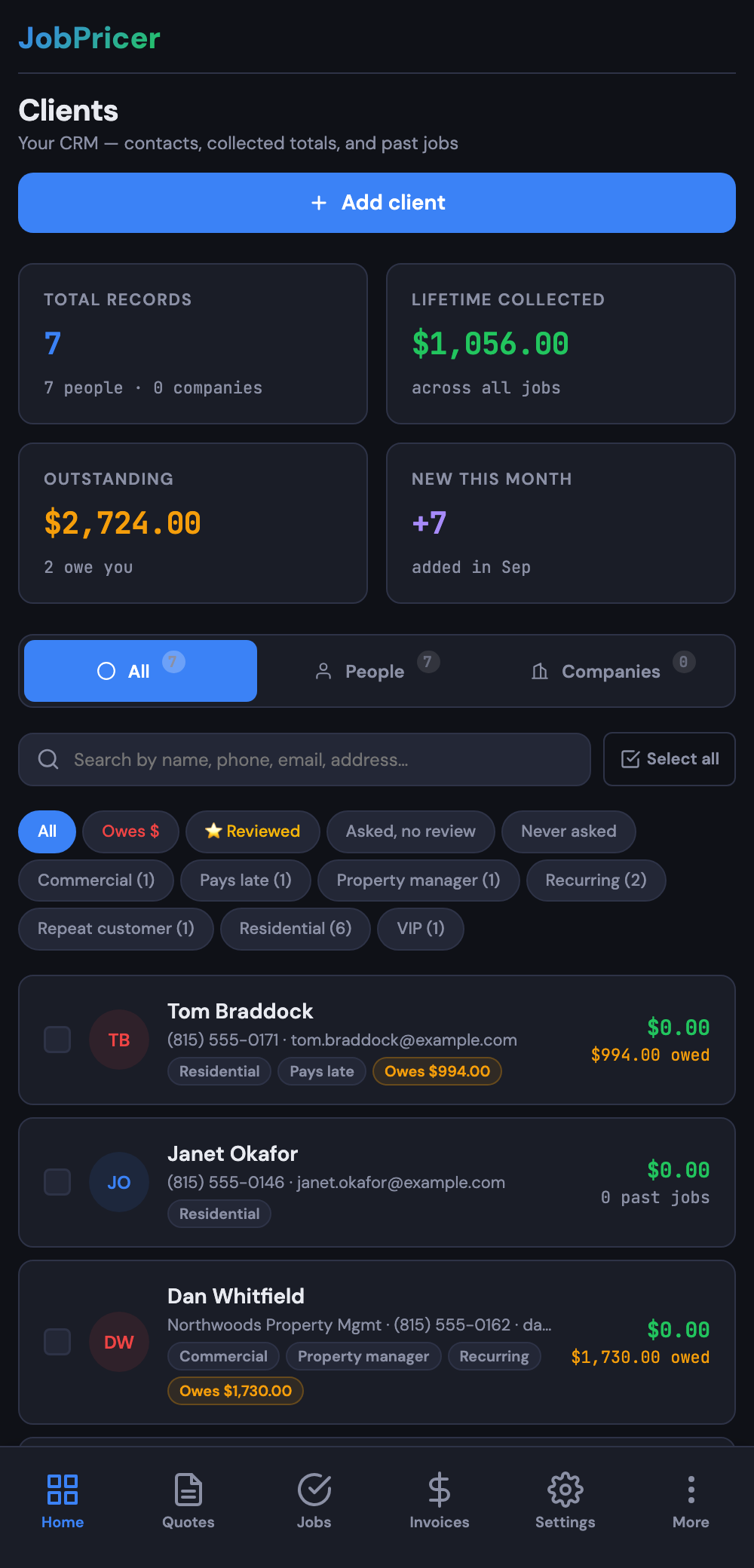
Add a client
Open Clients and tap Add client. Enter name, phone, email, and address. (Address autocomplete helps you skip typos.) Save, and you can quote, book, or invoice them right away.
A client is also created automatically when someone fills out one of your booking forms.
Find and merge duplicates
Booking forms and manual entries sometimes create two records for the same person. JobPricer flags likely duplicates so you can clean them up.
- Open Clients and look for the Duplicates indicator (or open one record that looks like another).
- Confirm they're the same person.
- Tap Merge — JobPricer combines their history into one client record.
FAQ
Will merging lose any of the history?
No — quotes, jobs, invoices, and notes from both records move onto the merged client.
Can I undo a merge?
Merging is a final action, so double-check before you confirm. If you're unsure, take a screenshot first.