For regulars — the weekly mow, the monthly clean, the quarterly service — set the job up once and let it repeat.
Create one
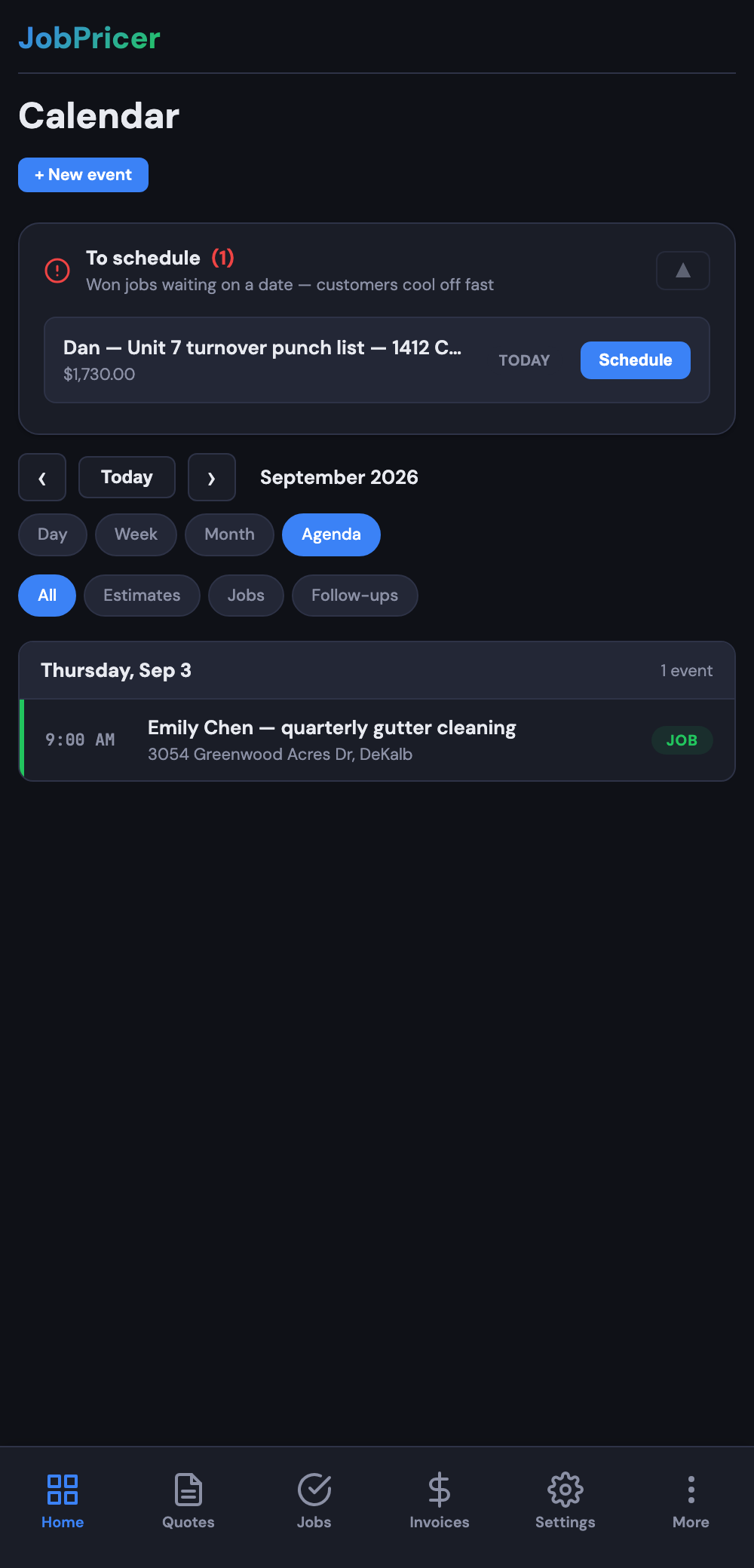
From a job (or when creating a new one), choose Make recurring and set the cadence: weekly, every 2 weeks, monthly, or a custom interval. Each occurrence lands on your calendar automatically (and syncs to Google Calendar), so recurring clients never quietly disappear from the schedule.
Billing the repeats
Each visit generates its job like normal — mark it done and invoice it, or pair recurring work with a saved card for hands-off collection. Everything shows on the client's history, so you can see a regular's full run at a glance.
Pausing and ending
Skip a single occurrence (vacation week) without breaking the series, pause the whole series, or end it — from the job's recurrence settings.