Your rates power every quote JobPricer builds, so it's worth setting them up first. It takes a couple of minutes.
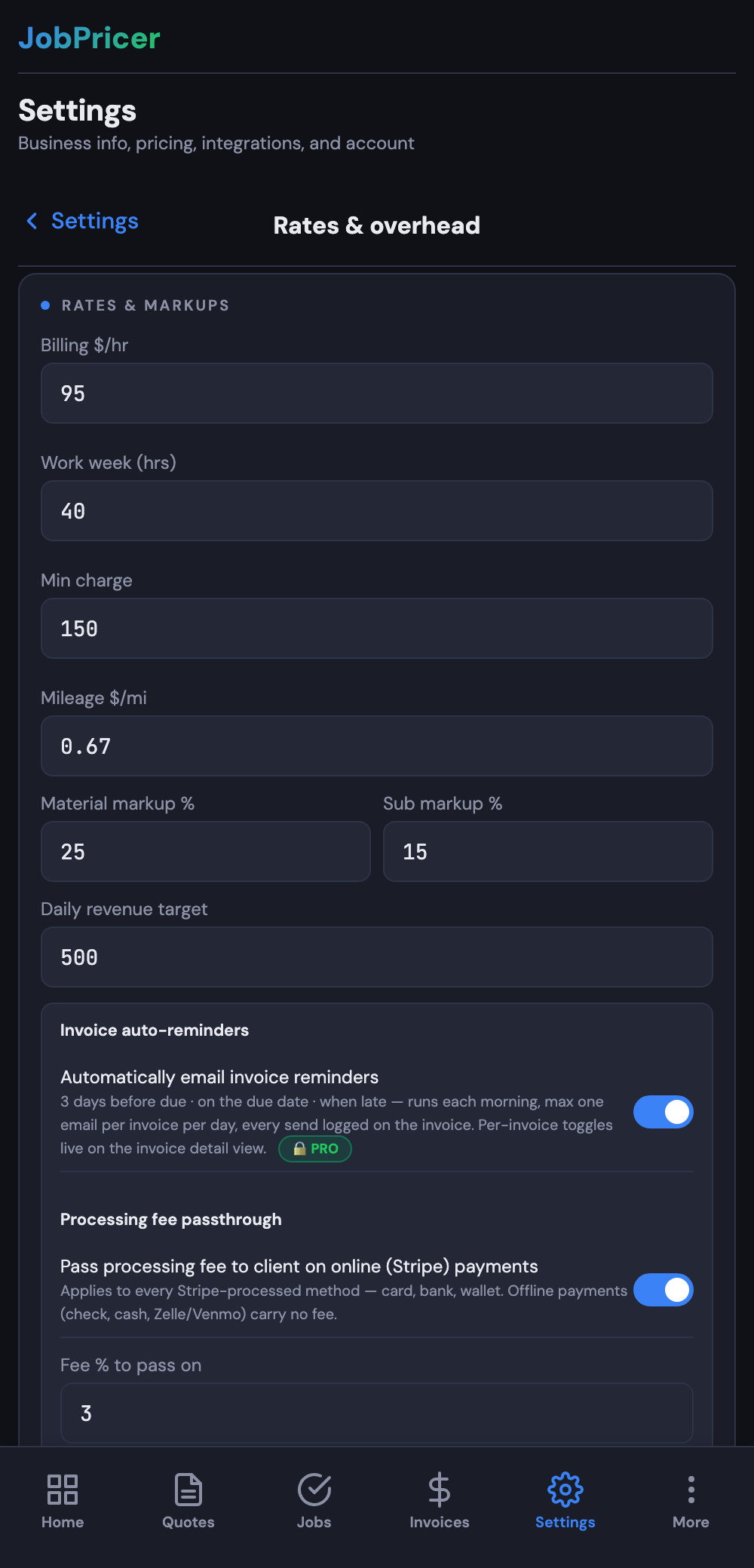
What to set
- Hourly rate — what you want to earn per hour of actual work.
- Material markup — the percentage you add to materials (15–35% is typical).
- Overhead — your monthly business costs, so JobPricer can spread them across your billable hours.
How to set them
Open Settings and find your rates / pricing section. Enter your hourly rate, your default material markup, and your monthly overhead. JobPricer turns overhead into a per-hour figure and folds it into every quote — so it's never something you forget.
Not sure what your overhead is? Walk through our guide on how to calculate overhead.
FAQ
Can I change my rates later?
Yes — update them anytime in Settings. New quotes use your new numbers.
Do my rates show to customers?
No. Customers see the quote total and line items, not your internal hourly rate, markup, or overhead.