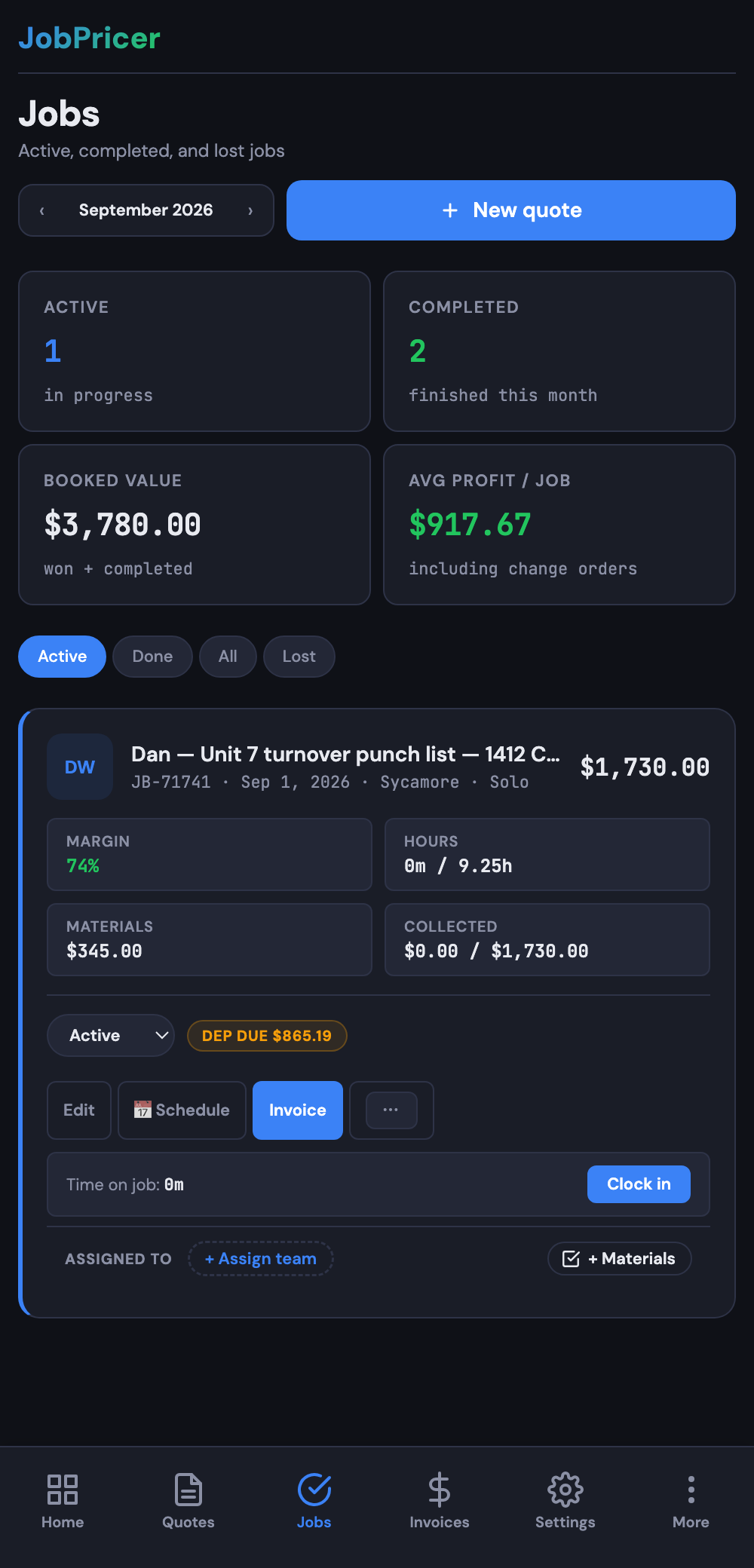
Once a job is done, JobPricer compares what you quoted against what it actually cost, so you can see exactly which jobs ran hot and which ran lean.
How it works
JobPricer compares:
- Estimated — the labor hours, materials, and overhead you priced into the quote.
- Actual — your logged time (from the time clock), logged expenses, and overhead.
The result is your true margin per job — not a guess.
Where to find it
Open a finished job. The job summary shows quoted vs actual side by side, and the resulting margin.
Why this matters
If a type of job consistently runs over (or under) what you quoted, your rates or scoping are off. Seeing it in numbers — across many jobs — is how you fix it.
FAQ
Does this require Business plan?
Detailed analytics and crew time tracking are richer on Business. The basic comparison still works at any tier where you've tracked hours and expenses.
What if I forgot to clock in?
Add a manual time entry on the job. The comparison updates automatically.