Chasing money is the worst part of the job, so JobPricer does it for you. With reminders on, every invoice with a due date gets an automatic email sequence — you don't lift a finger.
The schedule
- 3 days before due — a friendly heads-up with the pay link
- On the due date — a clear "due today" note
- When it goes late — a firmer (still polite) reminder
One email per invoice per day at most. Payments and reminders all appear on the invoice's timeline, so you always know what the client has seen.
Turn it on
Open Settings → Rates & overhead and flip Invoice auto-reminders. It applies to invoices that have a due date — set one when you create the invoice (net terms or a specific date).
Chasing everything at once
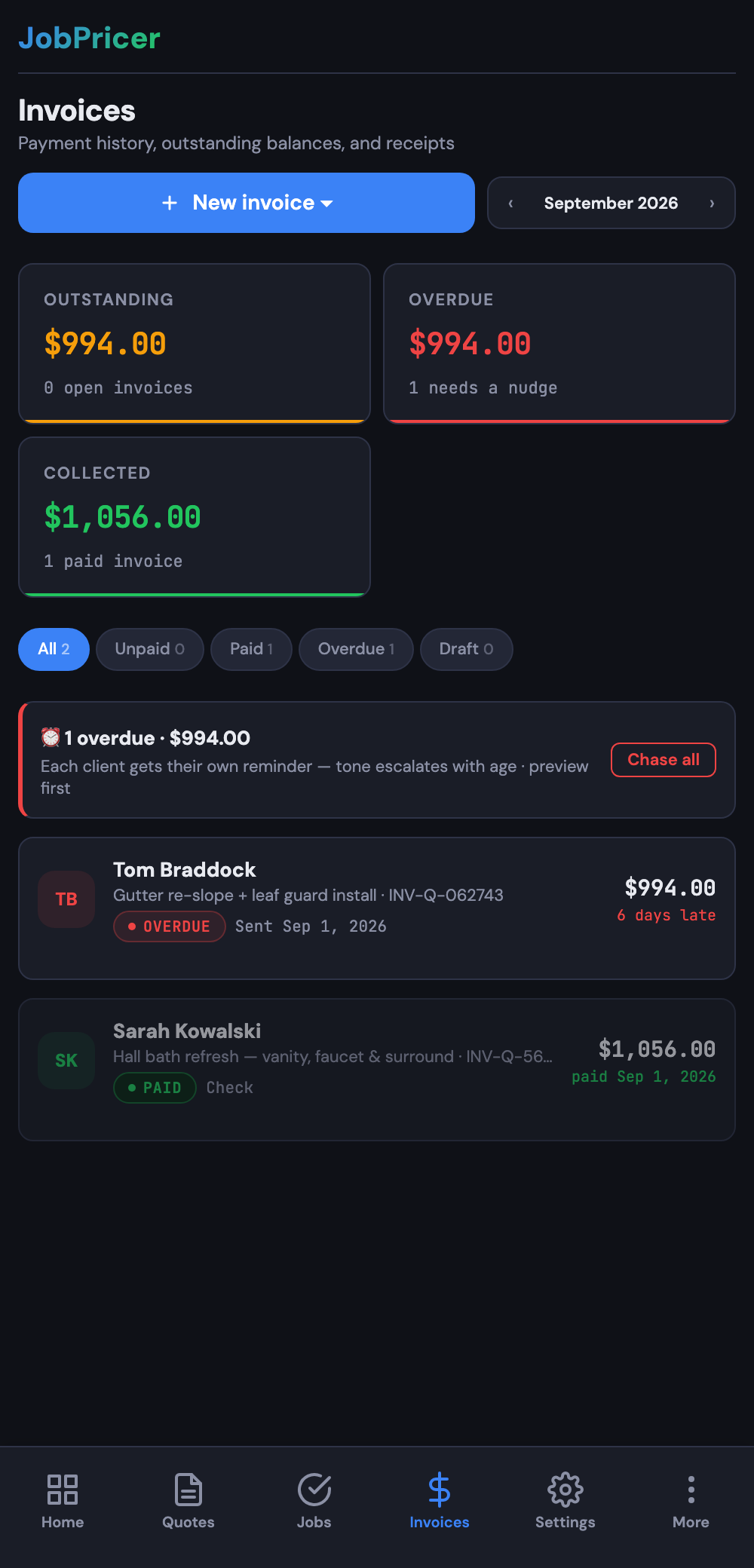
Behind on a pile of overdue invoices? The one-tap batch reminder flow on the Invoices tab nudges everything overdue with a pre-written message — useful for catching up before auto-reminders take over.
FAQ
Will clients feel spammed?
The sequence is three emails across the whole life of an invoice, each tied to a real moment (upcoming, due, late). That reads as organized, not pushy — and it beats the awkward personal text you were putting off.
Can I still remind manually?
Yes — the manual and batch reminder buttons always work, and manual nudges show on the same invoice timeline.
Do reminders work on quotes too?
Quotes have their own auto follow-up for when they go quiet — one nudge per quote, configurable in Settings → Quotes & PDF.