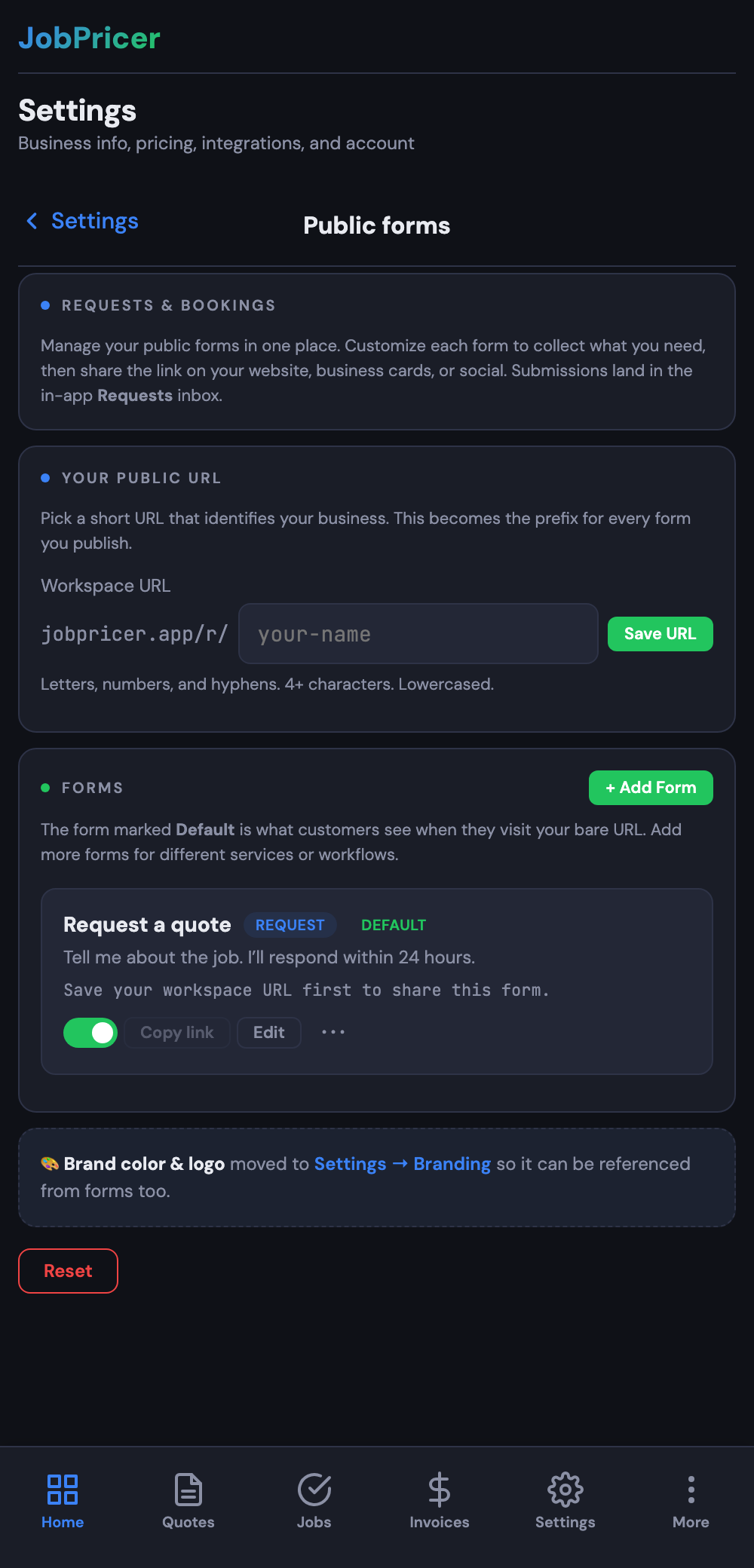
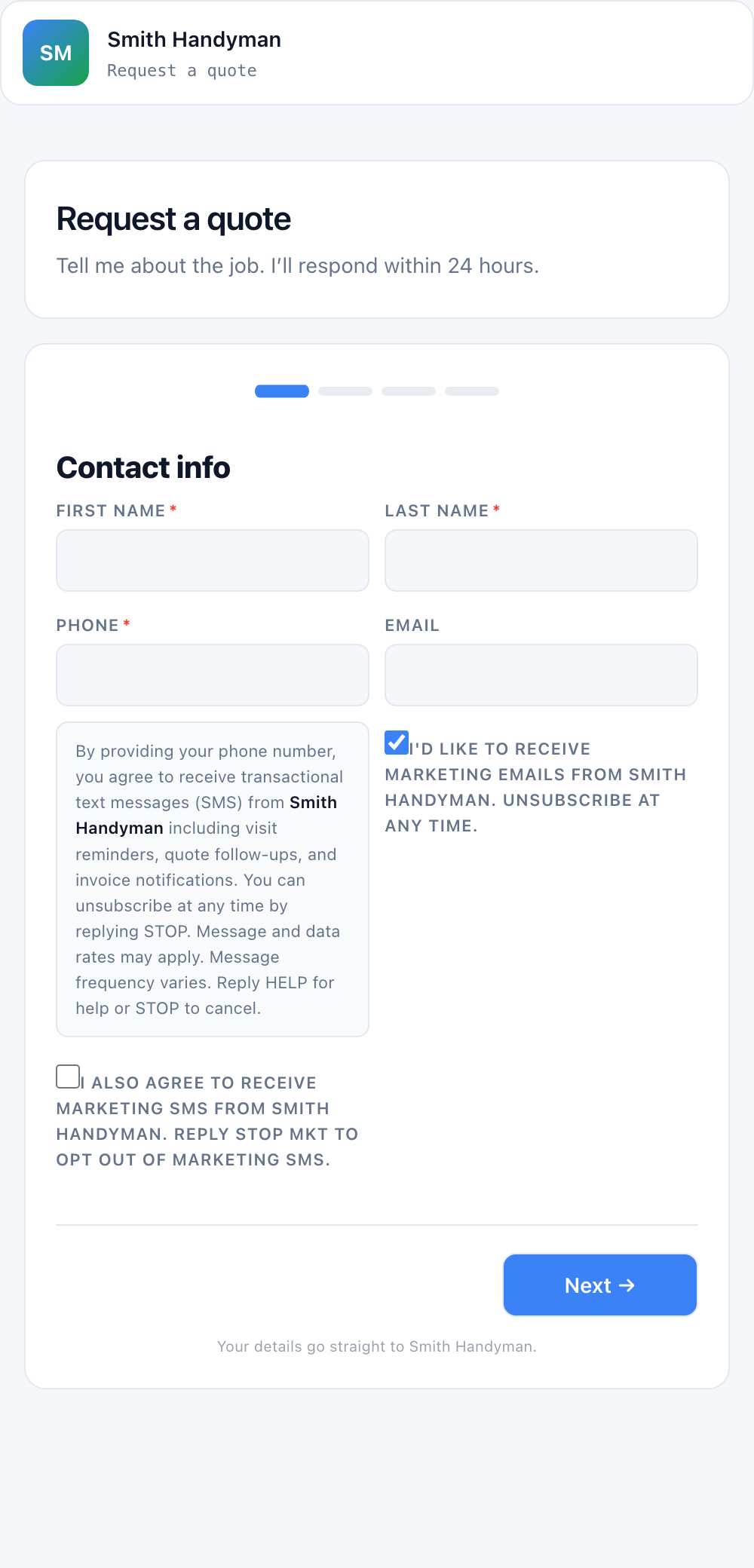
Instead of one generic contact box, JobPricer lets you build your own public forms — with your branding, your services, and your fields.
Steps
- Open the forms / booking section in JobPricer.
- Choose a form type:
- Request — a simple "tell me about the job" form.
- Assessment — for booking an estimate visit.
- Booking — a full booking with a time-slot picker.
- Add your fields and services. You can include a service picker, photo upload, e-signature, and more.
- Publish it and share the link — on your website, your truck, your email signature, or in a text.
Every submission lands in your inbox and pings your phone, so a lead never slips through.
FAQ
Can customers pick a time themselves?
Yes — booking-type forms include a slot picker tied to your availability and Google Calendar.
Can I have more than one form?
Yes — make different forms for different services or purposes, each with its own branding and thank-you page.