Reviews are won by asking every time, at the right moment. The review engine does the asking for you.
How the sequence works
When a job is marked complete, JobPricer:
- Checks sentiment first — the client gets a quick "how did we do?" Happy clients continue; unhappy ones are routed to a private feedback message instead of Google. You harvest delight publicly and handle problems privately.
- Sends the review ask by text, with your Google review link, then follows up by email if needed, with one polite reminder later.
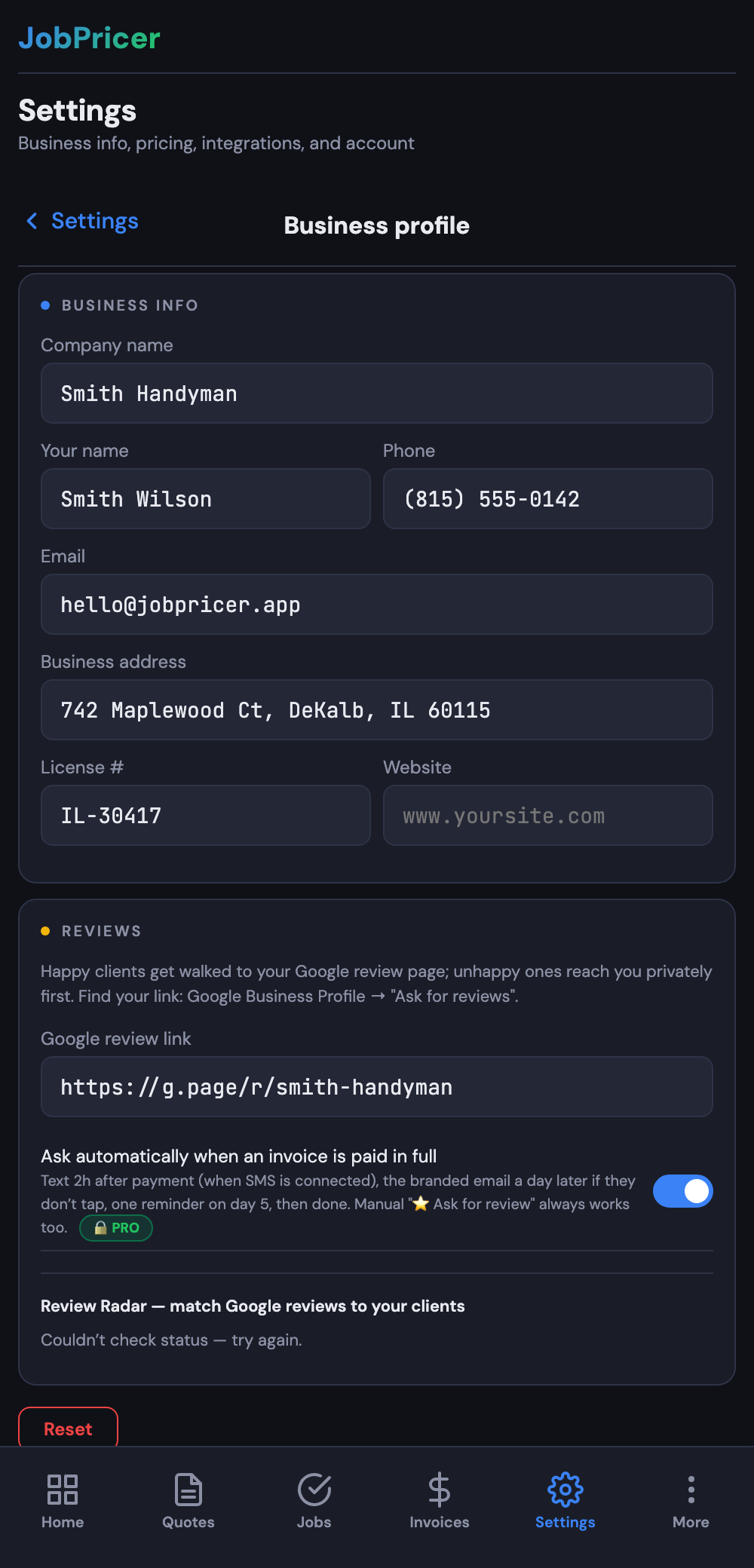
Set your Google review link once in Settings → Business profile (the same link is used in automated review-request texts).
Review Radar
Radar watches your Google reviews and cross-matches new ones against your client list — so you know which client left what, who you've already asked, and who still owes you that minute. New reviews show up in your dashboard without you refreshing Google.
FAQ
Can I turn the automation off for a specific client?
Yes — skip the review ask from the job's completion screen, or turn the sequence off globally in Settings.
Should I offer a discount for reviews?
No — incentivized reviews violate Google's policies and FTC rules. The engine wins by consistency and timing, not incentives.
What happens with an unhappy client?
They never get pointed at Google. Their feedback comes to you privately, which is your chance to fix it — and keep a one-star story off your profile.