JobPricer gives your clients lots of ways to pay — and gives you control over who eats the processing fee.
What clients can pay with
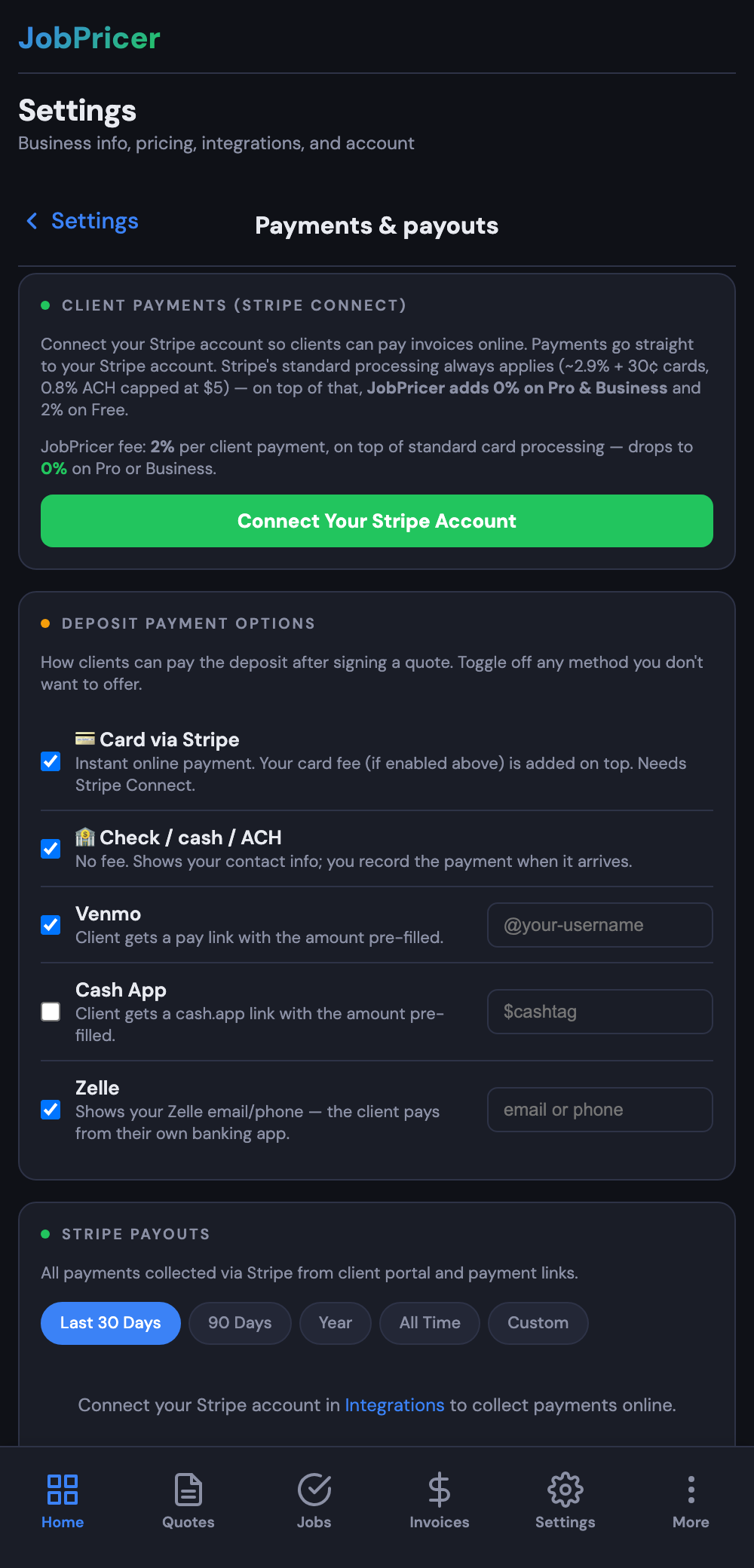
- Card — instant, familiar, ~2.9% + 30¢ processing
- Bank transfer (ACH) — 0.8% capped at $5 on paid plans (a $10,000 invoice costs $5 to collect)
- Cash App Pay and Link — if you've enabled them in your Stripe Dashboard
- Fee-free P2P links — deposits can go out as Venmo, Cash App, or Zelle links: zero processing fees for anyone
- Offline — check or cash, recorded against the invoice so your books stay complete. Always fee-free.
The platform fee
- Pro and Business: 0%. You keep 100% of every client payment — only Stripe's own rates apply.
- Free tier: 2%, which drops to 0% the day you upgrade.
Passing the card fee to your client
In Settings → Rates & overhead, enable Credit card fee passthrough. When a client chooses to pay by card, your processing fee is added and disclosed at checkout — they can always pick ACH or an offline method to avoid it. (Surcharge rules vary by state; the fee is only applied to credit cards and only up to your actual cost.)
FAQ
Which method should I steer clients to?
Cards for deposits (instant commitment), ACH for big balances (capped at $5), P2P or check whenever the client prefers — everything lands on the same invoice ledger either way.
Where does the money go?
Straight to your own bank via your connected Stripe account. JobPricer never holds your funds.
Are Stripe payments editable later?
No — Stripe-recorded payments are tamper-locked on the invoice timeline for clean books. Offline payments you record manually can be corrected.