Your crew gets their own app — separate from yours — with a time clock, job checklists, and materials requests. Here's the five-minute setup.
1. Create their logins
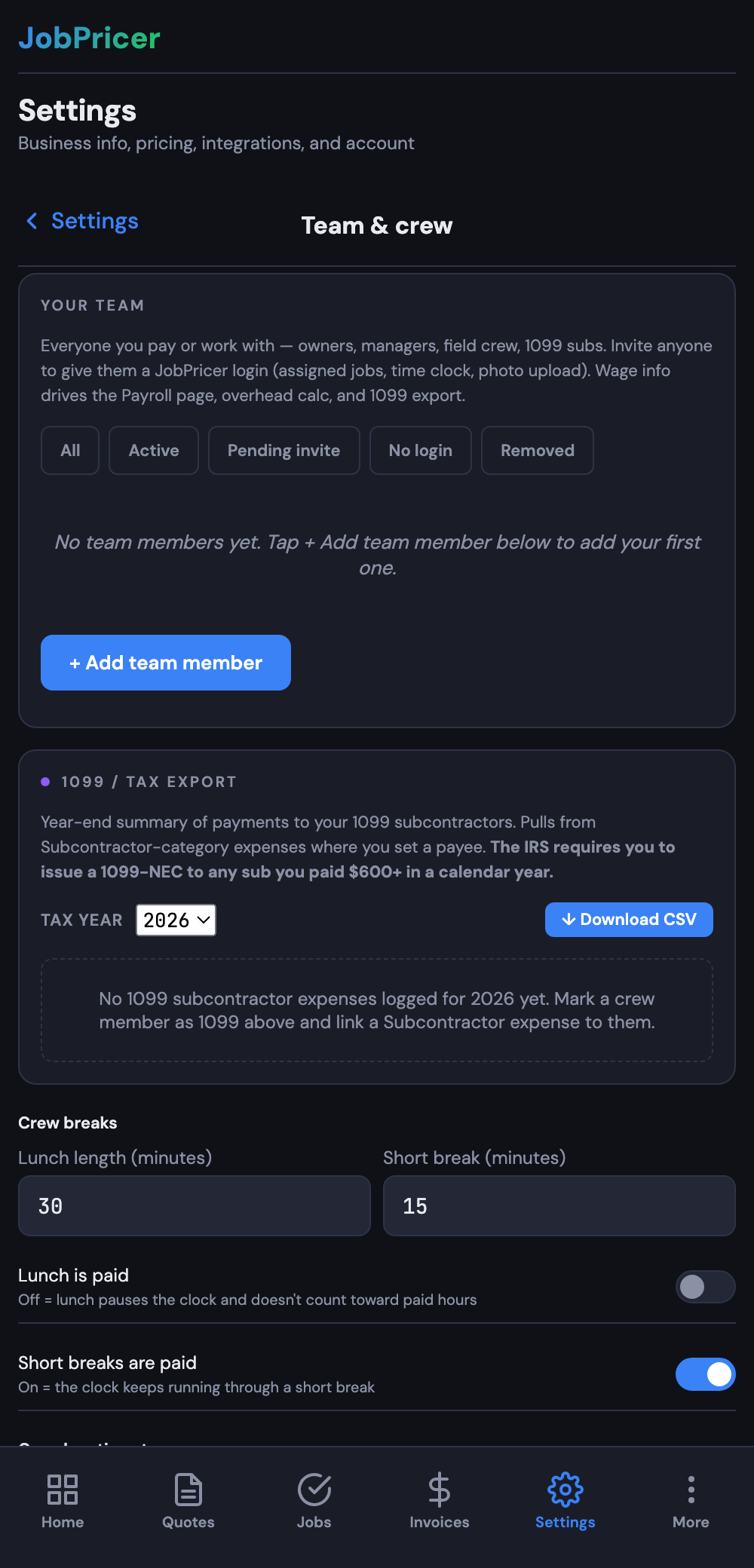
Open Settings → Team & crew and tap Add team member. Each worker with a login uses a seat (Free includes 1 — you; Pro 3; Business 10; extra seats are $10/mo). Workers you only track for payroll — no login — are free and unlimited.
2. Have them install it
Send each worker to jobpricer.app/crew on their phone. It installs to the home screen like any app; they sign in with the login you created. Their home screen is the time clock.
3. Set your break rules once
In Settings → Team & crew, set lunch length and short-break length, and whether each is paid. An unpaid lunch pauses the clock and auto-resumes the same task; paid short breaks keep the clock running. Breaks never double-pay in payroll.
4. Optional: GPS stamps
Turn on Stamp GPS on crew clock in/out if you want a location point on each punch (one point per punch — never continuous tracking; workers see a permission prompt).
That's it. Clock time — job time and general time (shop, travel, equipment, callbacks) — merges into payroll automatically, and end-of-day Submit my day sign-offs show you who approved their own hours.