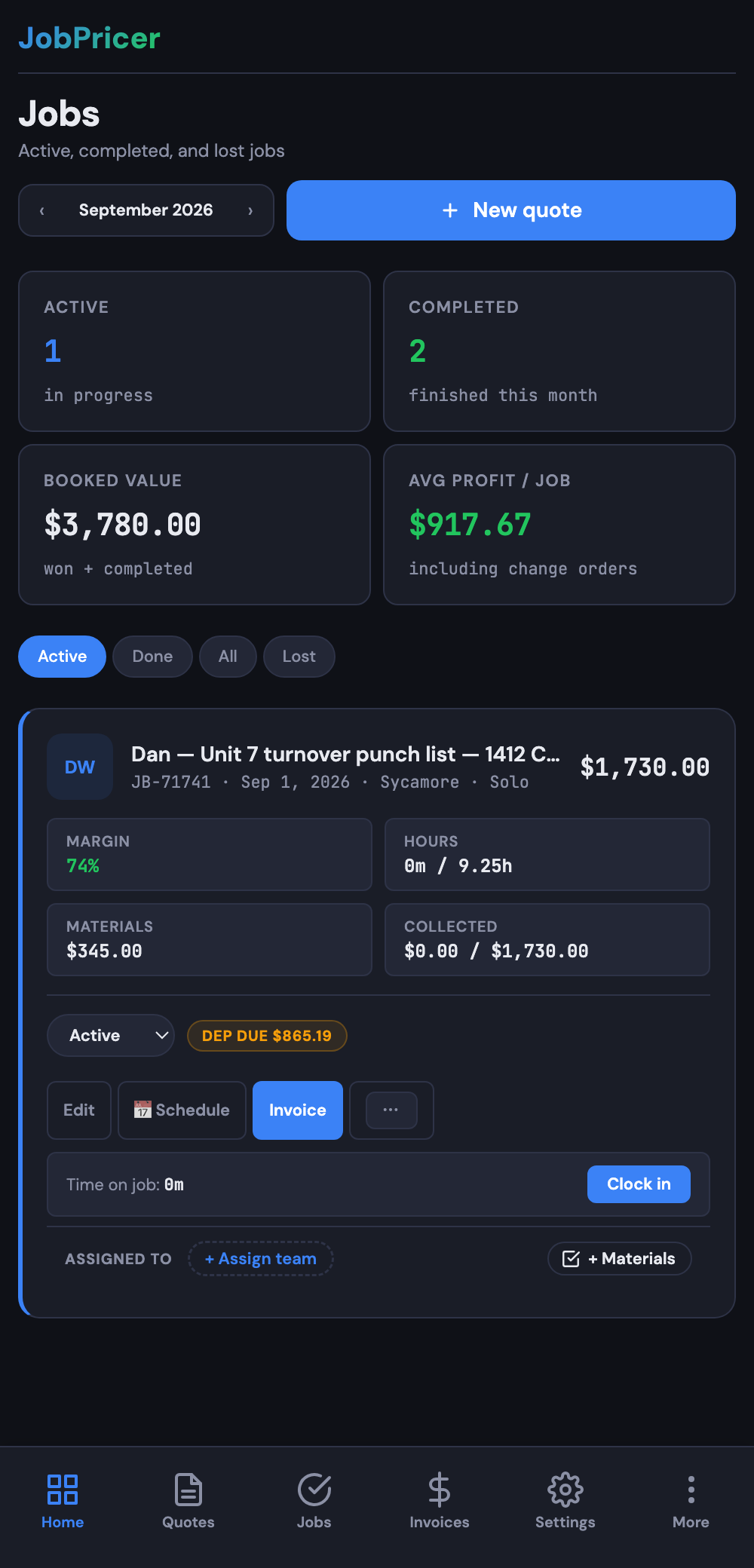
The Jobs pipeline shows every job by status, so you always know what's next and nothing falls through the cracks.
The stages
- Pending — quotes out, waiting on a decision.
- Active / Won — accepted and scheduled or in progress.
- Done — completed; ready to invoice or already paid.
How to use it
- Open Jobs to see the pipeline. Filter by status, month, or customer.
- Move a job to the next stage when its situation changes (a quote gets accepted, a job is finished).
- Tap any job to open its details, line items, photos, and notes.
FAQ
Does a quote automatically become a job?
When a customer accepts a quote, it can roll into a job automatically — keeping the line items, customer, and totals intact.
Can I filter by client or month?
Yes — use the filters at the top of the Jobs list to narrow down by client, status, date, or location.