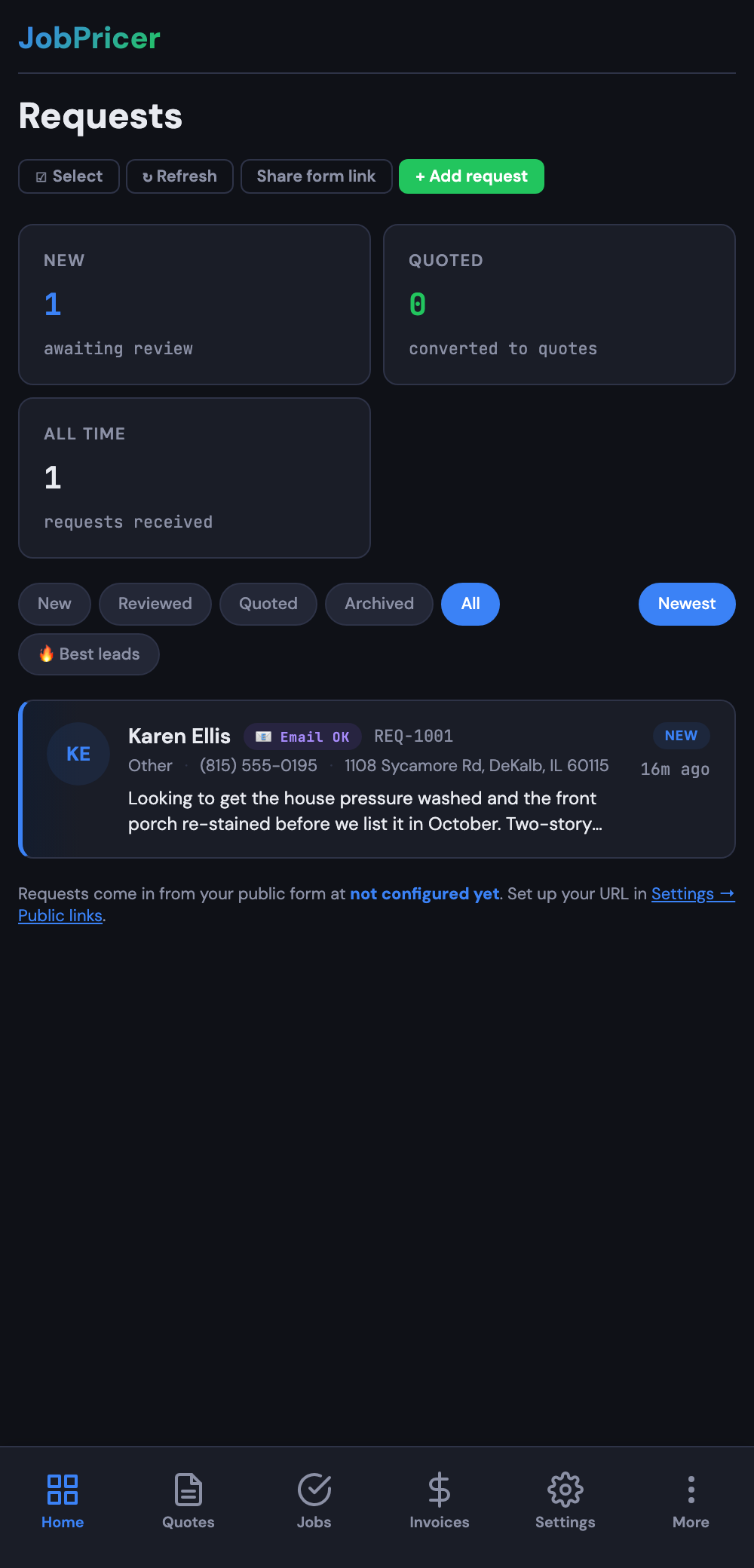
Every form submission lands in your Requests inbox — your queue of incoming leads. Working it daily turns more leads into jobs.
What you'll see
Each request shows the customer, what they need, photos they uploaded, and any answers from your custom fields. If they saved a card at booking, you'll see a Card on file badge.
What to do with a request
- Convert to a quote — opens the quote builder with the customer and request details already filled in. The AI can draft line items right from the request.
- Reply — message the customer to ask a follow-up question.
- Archive / dismiss — for spam or jobs you're not taking.
FAQ
Are spam submissions stopped?
Forms have a built-in honeypot, and you can enable reCAPTCHA for extra protection.
Where do photos uploaded with a request go?
They're attached to the request itself — open it and the photos are right there to view or download.
How fast should I respond?
Responding within an hour or two dramatically increases your booking rate. Push notifications help you catch them as they come in.